Watch the walkthrough video to get started with Systeme.io and your template even if you have no prior experience and don’t know where to start.
*** Please note before funnel download, if you are using the FREE version of Systeme.io you are limited to 3 funnels, 1 order bump and 1 upsell/ downsell. Templates will not import if you haveexceeded what's mentioned above. What you can do? You can either deactivate one of your current funnels or you can upgrade to the next plan.
TIPS TO REMEMBER
Always ensure to review & edit the mobile view of your website or sales page and verify how it appears on an actual mobile device for the best user experience
Ensure that all links on your website or blogsite template are properly connected and functional. Additionally, check and adjust the menu settings for the mobile view, especially on the blog layout page, to ensure seamless navigation for your visitors
Website: Blog Layout (your header and footer with main page settings) and Pages (Home, About, Contact...). With Blog: Blog Layout, Post Layout, Posts, Categories + sections on your Home page
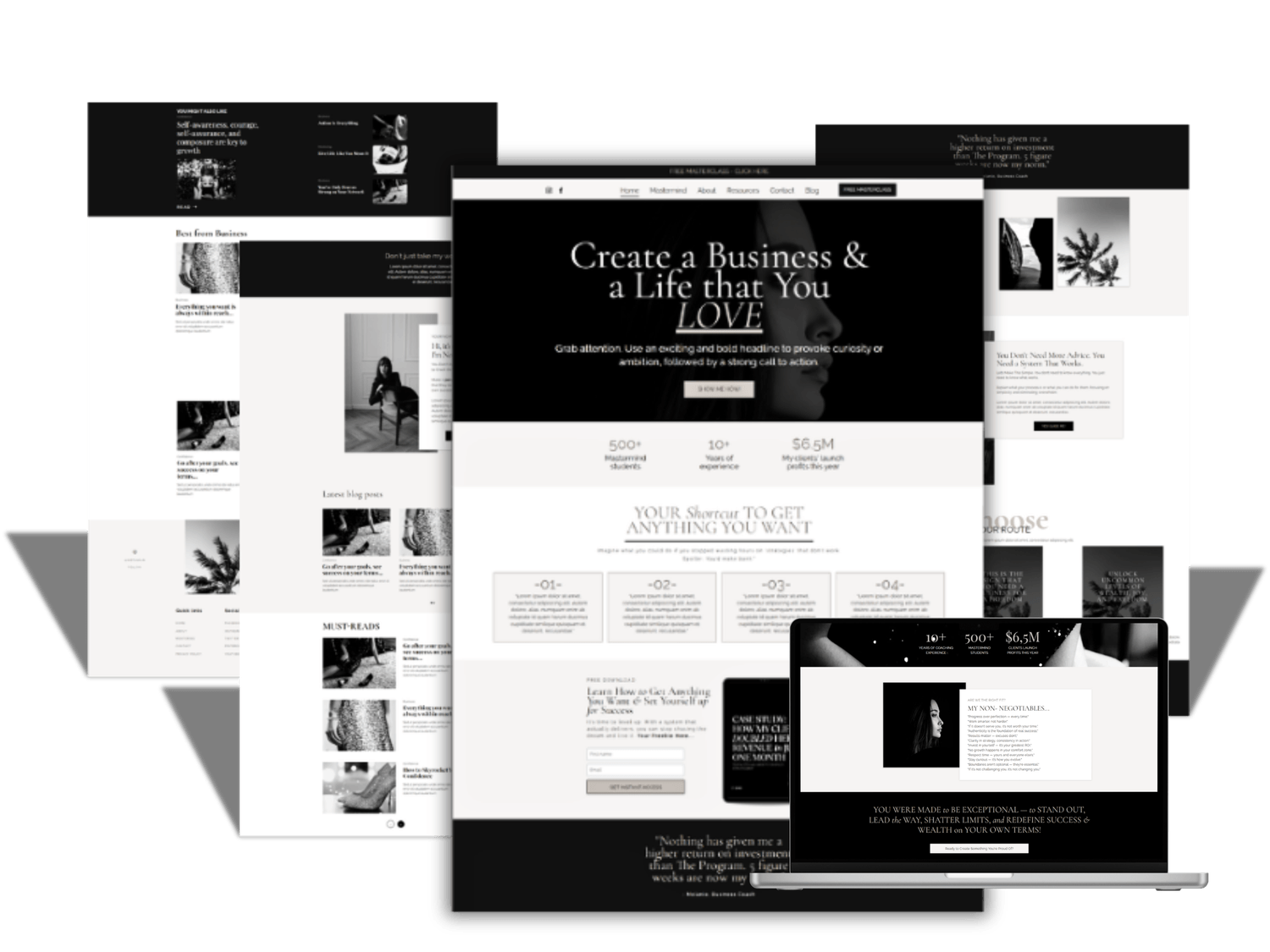
Unsure if you're ready to launch your blog? Simply duplicate your existing ready-made "Home" page that includes the blog sections and save it for future use. Then, remove the blog sections from your current "Home" page. Don't forget to remove the blog menu item from your header. Just be sure to keep the "Posts" and "Post List" pages intact—you can always use them later if needed
Kind words...
Built with systeme.io