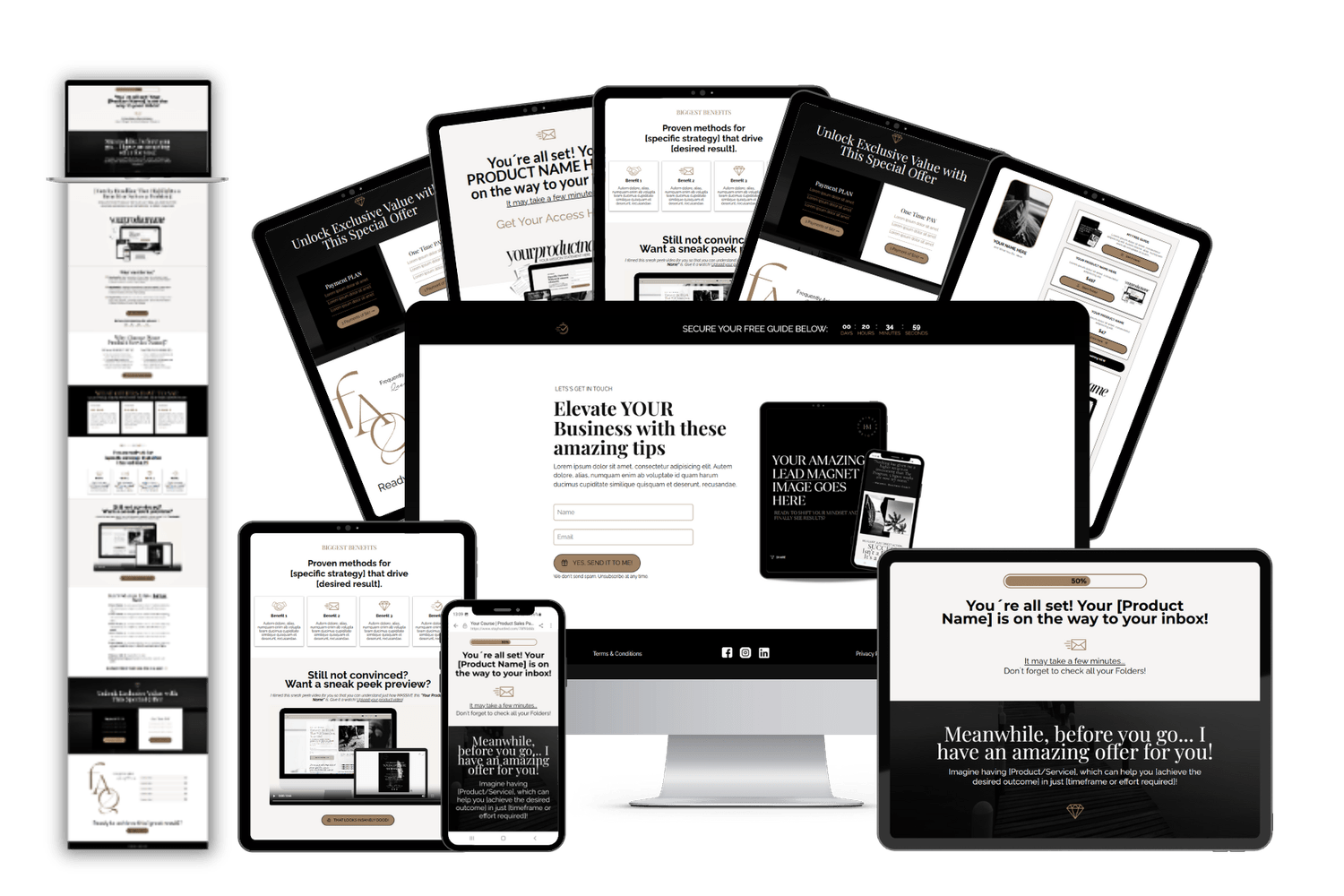
Welcome to your TRIPWIRE FUNNEL IMPORT. Generate high-quality leads and close more sales on autopilot, all with a funnel system that works behind the scenes for you.
TUTORIAL VIDEOS
If you are new to Systeme.io, watch these walkthrough videos to get started. Find links to your product downloads below.
Video 1 : Short Intro to Systeme.io
TIPS TO REMEMBER:Please note before funnel download, if you are using the FREE version of Systeme.io you are limited to 3 funnels, 1 order bump and 1 upsell/ downsell. Templates will not import if you haveexceeded what's mentioned above. What you can do? You can either deactivate one of your current funnels or you can upgrade to the next plan.
Video 3 : CANVA brandings
Video 4: Intro to Tripwire Sales Funnel
Add, delete, or modify steps in your funnel to match your marketing strategy. Optimize your pages for SEO - Improve your search engine rankings by adding meta titles, descriptions, and keywords to each page. To do so, go to the editor of your page, and on the left panel of the editor, click on “Settings”. And drag the page down until the “Search Engine Optimization (SEO)” section appears
Tips to Remember
If you are just starting with Systeme.io, don´t forget to verify your email address for email sending. If you have a custom domain, go to the “Custom domains” section under “Settings” to connect it to your Systeme.io account. Learn how to add a custom domain to your Systeme.io account
Connect your preferred payment gateway, such as Stripe or PayPal, to enable secure transactions. Just go to the “Settings” area, then “Payment gateways“, and after choosing which payment gateway you want to connect, press the “Connect” button and follow the instructions.
Connect Automation: Don’t forget to trigger automation rules. Navigate to the “Automations” section: Once you’re on the dashboard, click on the “Automations” tab in the main menu, then click on “Rules.” Create a new automation rule: Click on “+ Create” to create a new automation rule. Define the trigger: Click on the “+” button next to the trigger to choose an appropriate trigger based on your needs, such as “Funnel step form subscribed,” “New sale,” or “Tag added.” Define the action: Click on the “+” button next to “Action” and select the appropriate action you want to perform, such as “Send an email,” “Subscribe to a campaign,” or “Add a tag.” Save the rule: Click on “Save Rule” at the bottom left to save your new automation rule.
Creating Workflows: Navigate to the “Automations” section: Click on the “Automations” tab in the main menu, then click on “Workflows.” Create a new workflow: Click on the “Create” button, add the name of your workflow, and click on “Save.” Add a trigger: Click on “Create your first trigger” and choose a trigger based on your needs, such as “Funnel form subscribed,” “New sale,” or “Tag added.” Add steps: After choosing a trigger, click on “+” to choose the next step, which can be: Action, Decision, Delay a.An action: Perform an action such as “Add a tag,” “Delete a tag,” “Subscribe to a campaign,” etc. b. A decision: Divide the workflow path according to the criteria of the contacts, choosing the filter of your choice. c. A delay: Sets a period of time before moving on to the next workflow step. Configure the steps: Depending on the chosen step type, configure the settings as needed. For example, if you chose “Subscribe to a campaign” as an action, select the campaign you want the contact to be subscribed to. Save and activate the workflow: Once you’ve configured all the necessary steps in your workflow, save it. To activate the workflow, return to the list of workflows and click on the “Activate” button next to your workflow.
And Always test your Automations & Payments
If you have any questions, check out these videos or browse theHELP pages—you’ll find everything you need there!
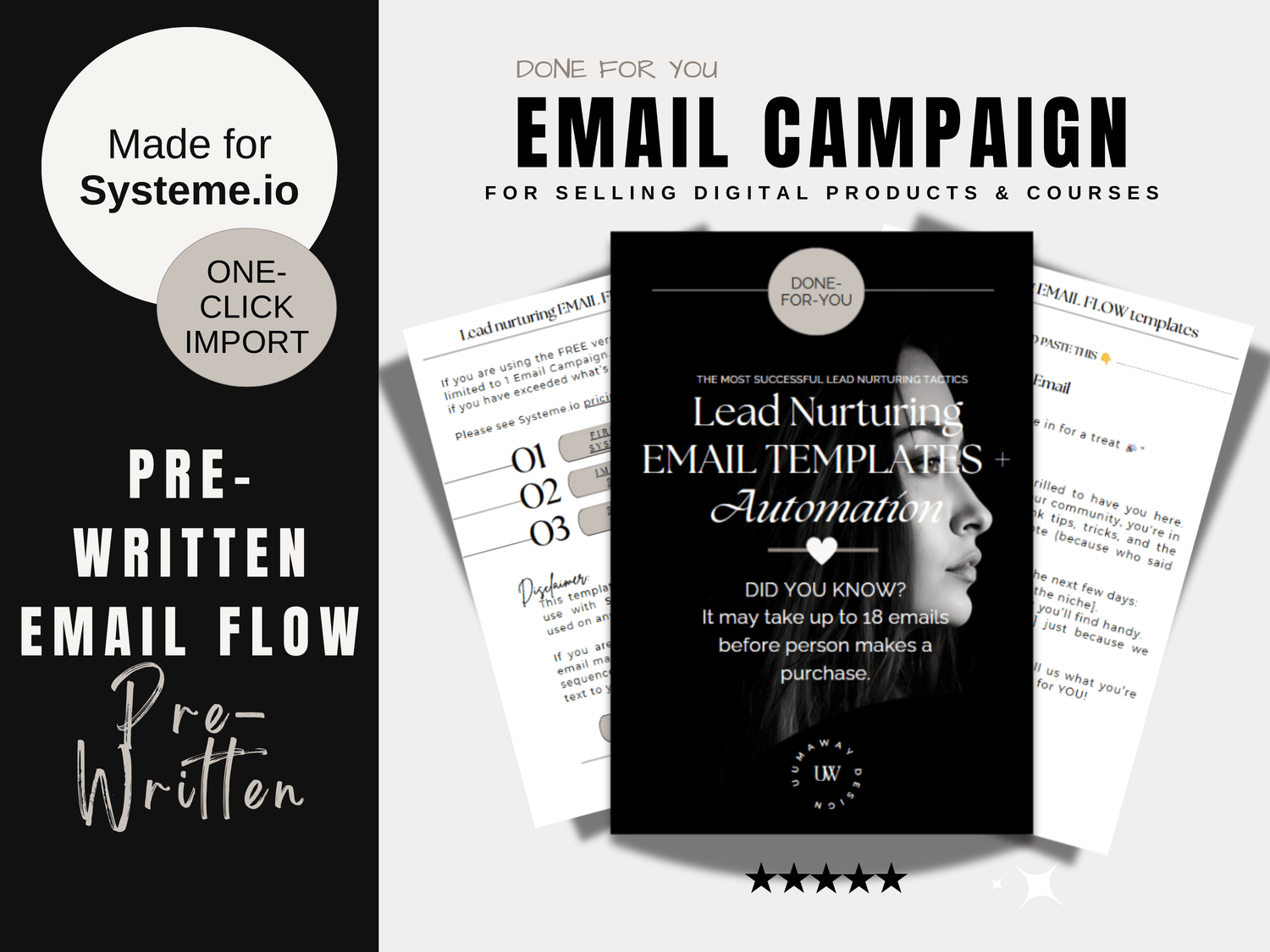
Looking for more templates?
Whether launching a new product, offering a service or promoting a product, these done-for-you Systeme.io and Canva marketing templates got you covered. Pre-built templates that you can easily customize to match your brand, saving you hours of work.
Your first sale is the first step toward a future of unlimited growth